 Somnoria
Wake to your sound.
Choose ambient tones, birdsong, piano, or a classic alarm.
A dream journal for iPhone
Go from your alarm to recording while the dream is still fresh. Keep it as words and artwork, share it with a friend, and discover what comes back over time.
Made for the dream you don’t want to forget.
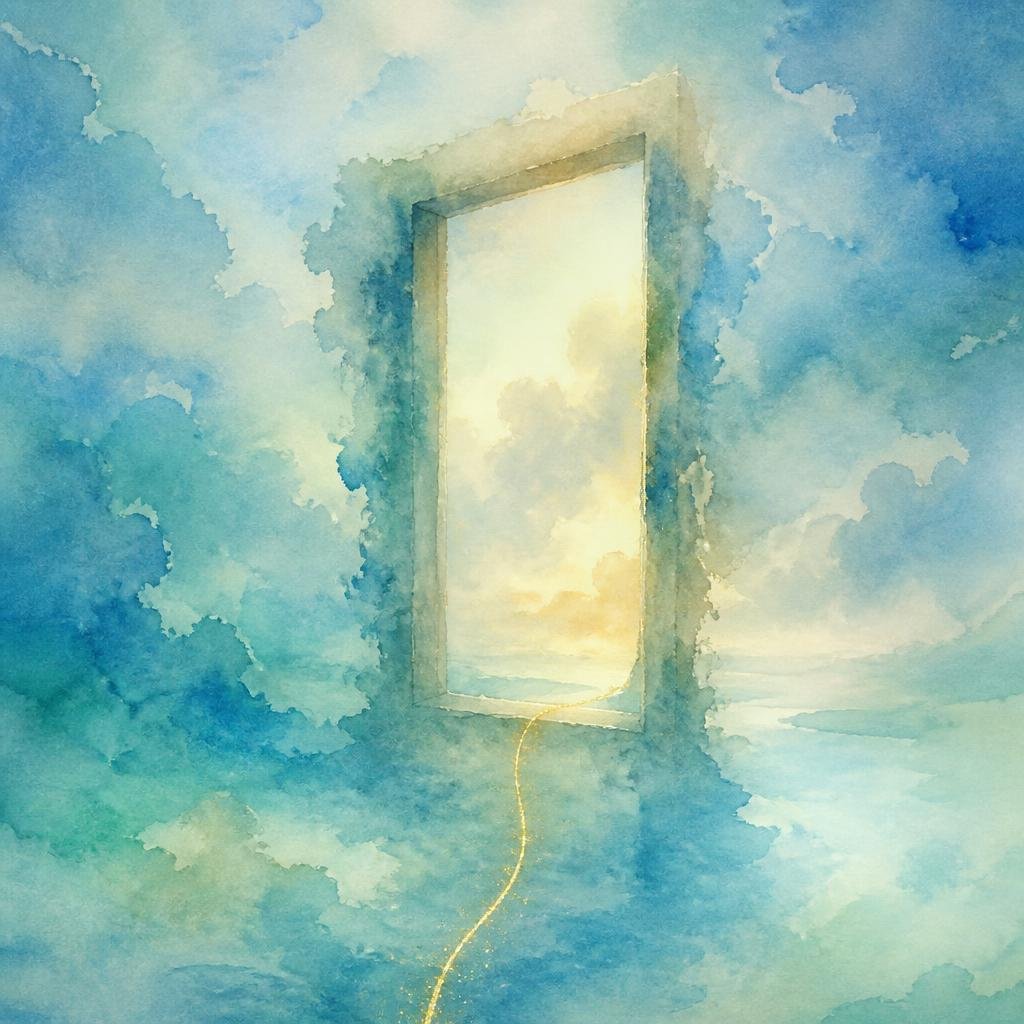
“I stepped through an old wooden door into a garden floating above the clouds…”
An example dream and its Somnoria artwork01 / Catch the dream
Before the messages, the morning rush, the disappearing details. Make a little room for what you remember.
Choose ambient tones, birdsong, piano, or a classic alarm.
Tap Record dream when your alarm rings, unlock if asked, and say what you remember. No typing needed.
Review and save your recording. Somnoria turns it into text and creates artwork inspired by your dream.
Built-in wake-up alarms require a supported iPhone with iOS 26 or later and alarm permission. You can also open Somnoria to record or write a dream at any time.
02 / Give it a form
A detail. A colour. A feeling. Somnoria creates artwork inspired by your dream and keeps it alongside your words. A fleeting moment becomes a collection that is yours.
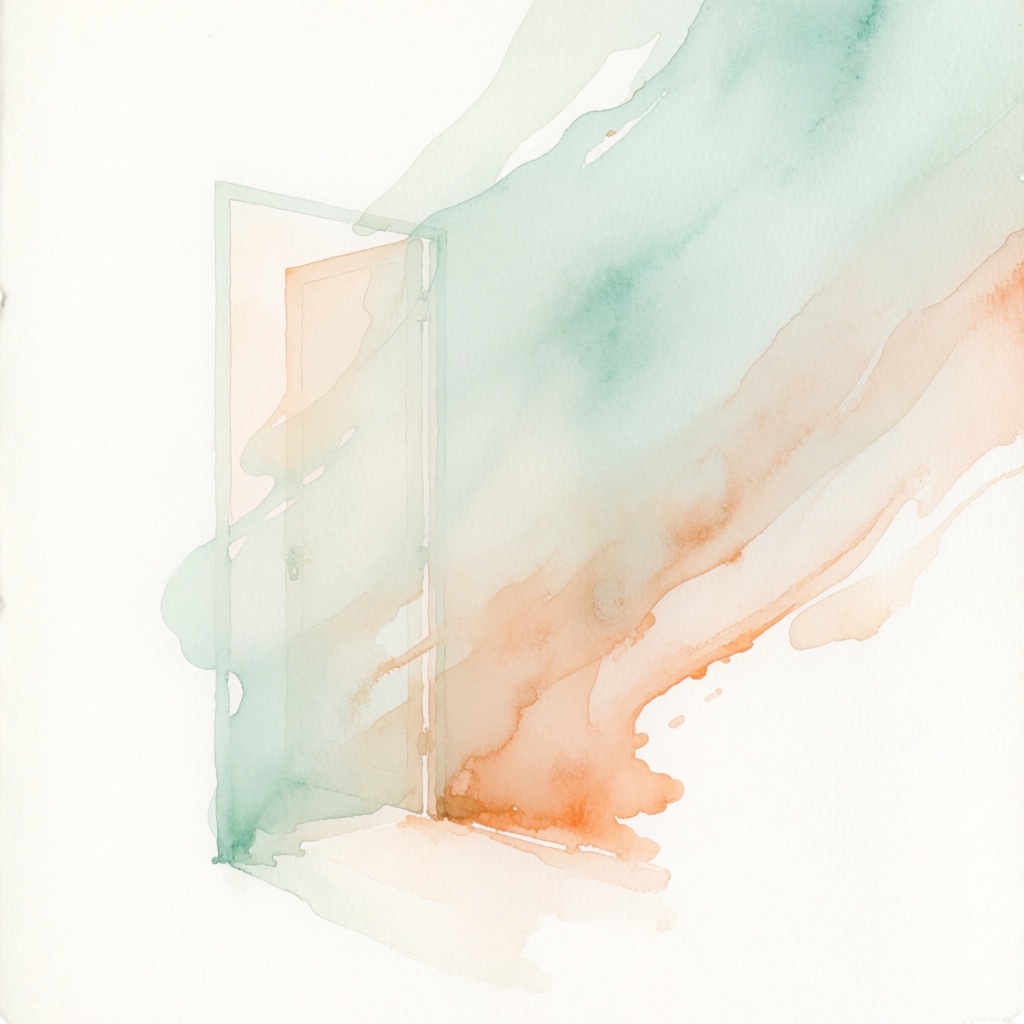


Selected Somnoria artwork. Each image is an artistic interpretation inspired by a dream.
04 / Find the connections
As you save more dreams, explore recurring themes and feelings. Revisit the dreams behind a pattern, consider possible meanings, and decide what resonates with you.
Your own perspective is part of the story.
See the details that connect different dreams.
Open the dreams behind each pattern.
Explore possibilities and mark what fits your experience.
Personal, from the start
Record or write offline after setup. Your saved library stays on your phone; transcription and AI features use online processing.
Understand your dataOn a supported iPhone with iOS 26 or later, tap Record dream on your Somnoria alarm. Unlock if prompted; recording starts when the app is ready if your entry preference is Record or Not sure. If you prefer writing, the text editor opens instead. The alarm ringing alone does not start the microphone.
Yes. Choose writing as your preferred way to capture dreams. Written dreams can also become artwork and contribute to Patterns.
After setup, you can record and write without a connection. Transcription, insights, artwork and Patterns use online services and run while Somnoria is connected, open and unlocked, within your usage allowance.
The Free plan includes transcription, insights and artwork for up to 7 dreams per calendar month. For typed dreams, transcription is unnecessary. The Somnoria Plus allowance is up to 30 dreams per calendar month. Purchase availability and your price are shown in the app.
Voice transcription permission is required to use Somnoria. Recordings are sent for transcription, and saved dream text is processed for insights, artwork and Patterns. Your saved journal is stored on your phone and does not automatically sync. Make a manual backup before changing phones or uninstalling the app. Read the Privacy Policy.
Somnoria offers possible meanings to explore as your collection grows. Your own experience comes first. Interpretations are for personal reflection and are not medical advice.